

- 31 Styczeń 2016
- 2
- 3
- 15
- Odznaki
- 7
- QNAP
- TS-x51
- Ethernet
- 1 GbE
Poz.
1
I click on Rtorrent-pro icon in QTS and new Firefox browser tab opens with error.
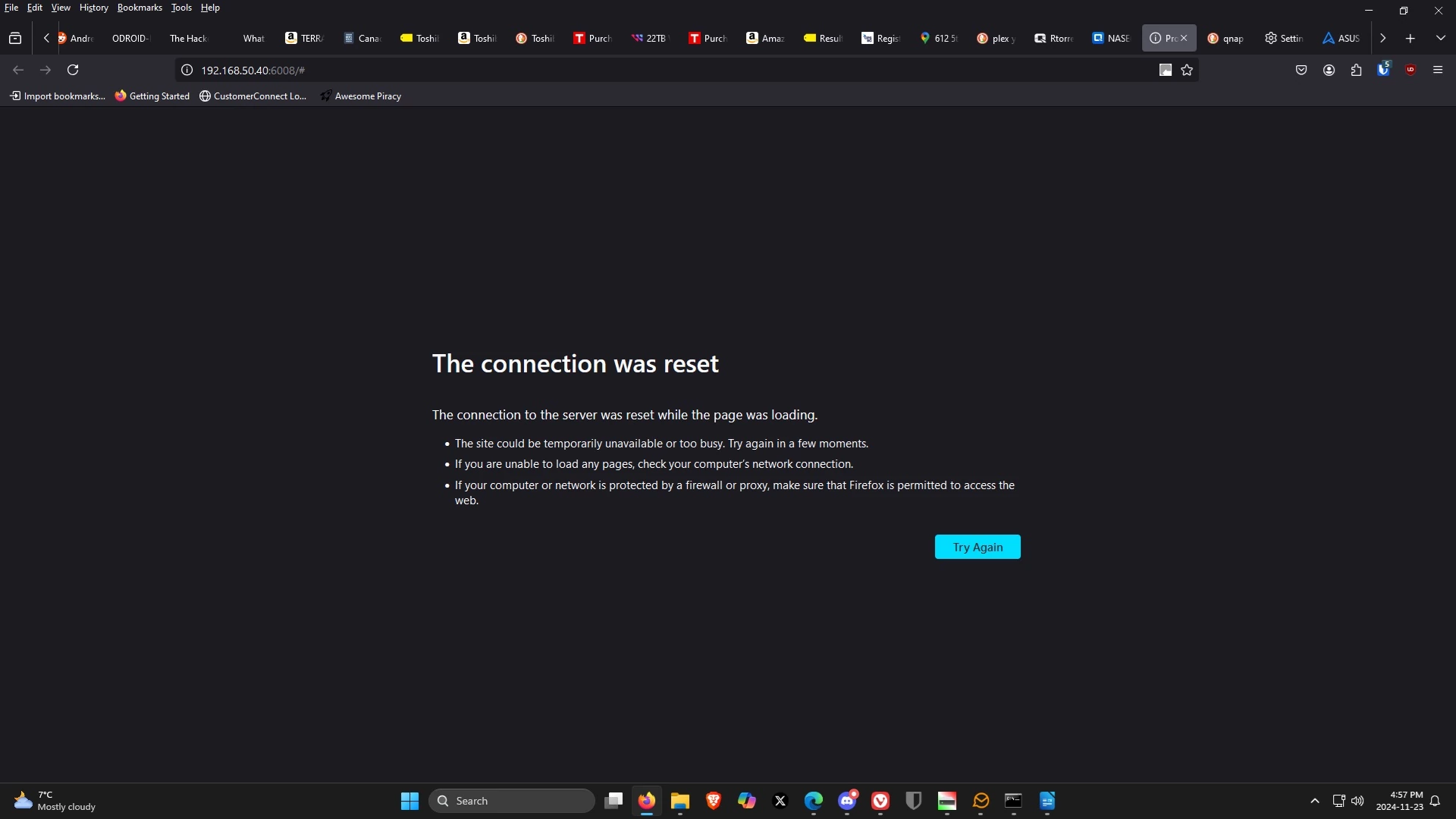
I've cleared cache, refreshed, disabled Enhanced Tracking Protection, made pop-up exception, updated QTS, and restarted QNAP.
Similar error occurs in Vivaldi and Edge browsers.
Please advise how to fix browser error. Thank you!
I've cleared cache, refreshed, disabled Enhanced Tracking Protection, made pop-up exception, updated QTS, and restarted QNAP.
Similar error occurs in Vivaldi and Edge browsers.
Please advise how to fix browser error. Thank you!