

RePortico shows the sites that WebPortico serves on your QNAP NAS, and the NAS's apps, as tiles on your phone. A tap opens a site or an app.
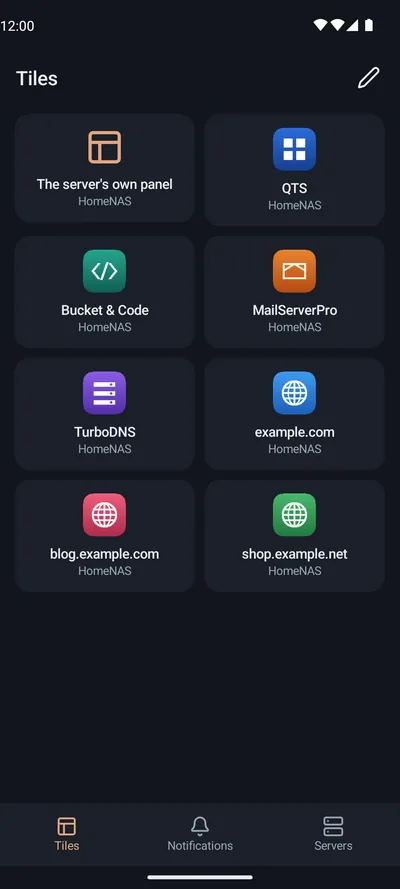
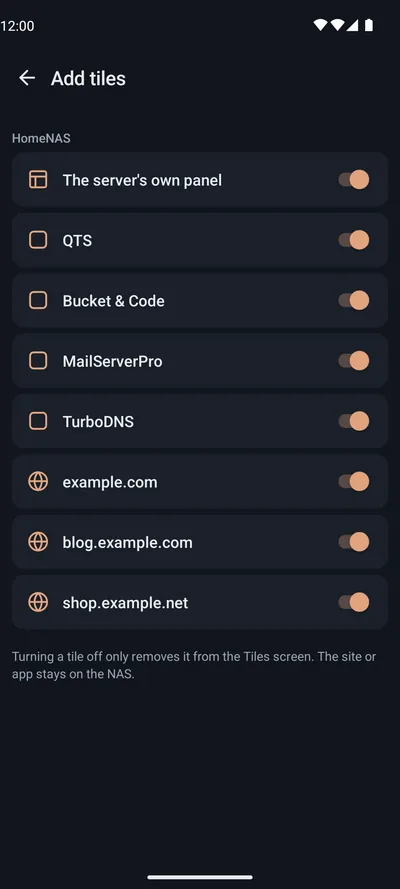
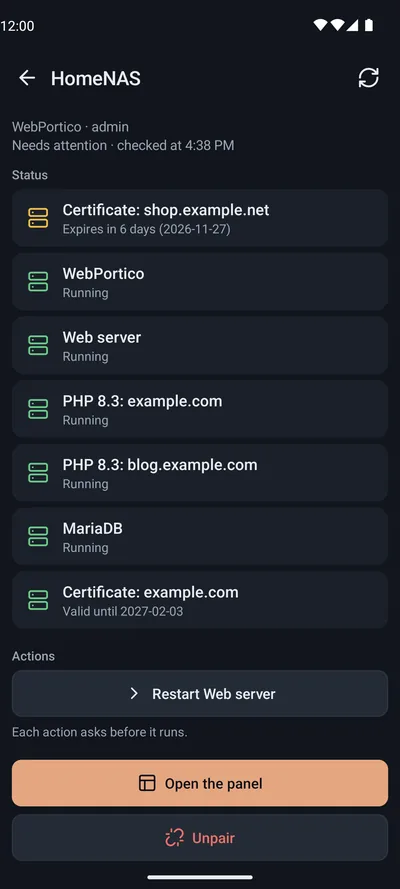
- One grid holds the tiles of every WebPortico that you paired.
- Edit lists each server's sites and apps, with a switch for each.
- A tile opens through WebPortico's phone port, signed in for that tile only.
- The Servers tab opens each server's status screen: errors first, then WebPortico's actions, each after a confirmation.
- WebPortico's notices appear on the phone.
Where to get it
- F-Droid: add our repository
https://pub.qnaputilities.com/fdroid/repo, then search for RePortico. The fingerprint is on the app's page. - APK 1.0.0: the Download the APK button on the app's page.
Pair it with your NAS
- On a computer on your home network, open the WebPortico panel at its own address and go to Phone app › Pair a phone.
- Connect the phone to the same network. In the app, tap “Add server”, then “Scan the QR code”.
- Or type the address and the code from the page. Pair only if the app shows the same certificate fingerprint.


