

Rtorrent 16 Mobile opens the Rtorrent 16 panel of your QNAP NAS on your phone, with the panel account used to pair it.
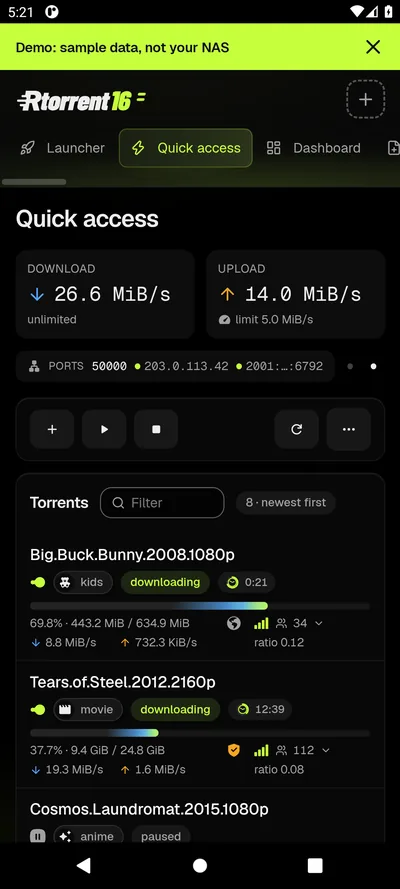
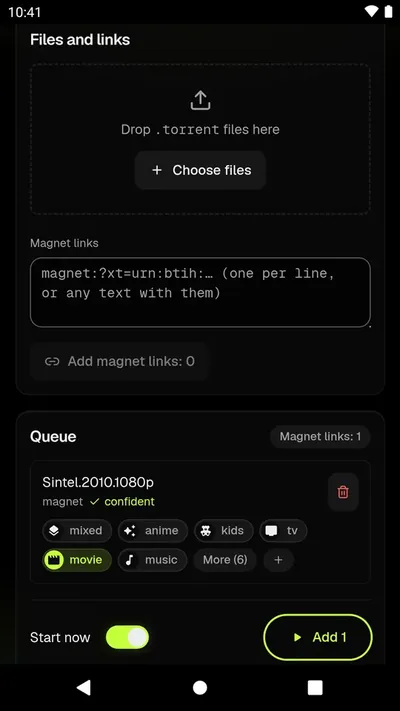
- Tap a .torrent file or a magnet link: the panel's Add page opens with the category your NAS picked.
- Share a file or a link from another app to send it to the NAS.
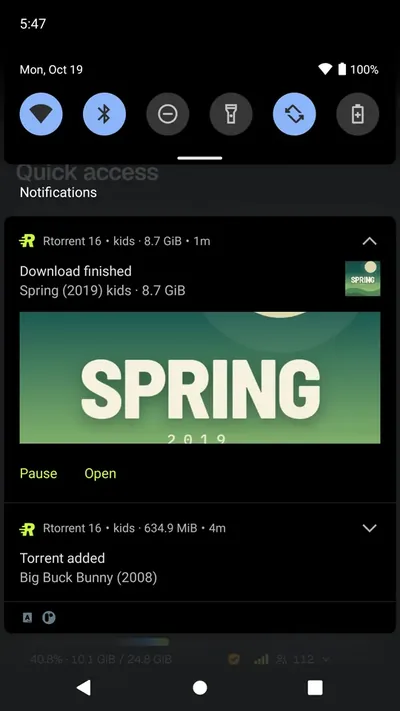
- Notifications tell you about new and completed downloads, errors and a disk running low on space. Pause and Open are on the download notifications.
- “Look around without a NAS” opens every page of the panel with 23 real torrents that anyone may share. The demo downloads nothing.
Where to get it
- Google Play.
- F-Droid: add our repository
https://pub.qnaputilities.com/fdroid/repo, then search for Rtorrent 16. The fingerprint is on the app's page. - APK 1.2.9: the Download the APK button on the app's page.
Pair it with your NAS
- In the Rtorrent 16 panel, go to Security › Phone app › Pair a phone.
- In the app, tap “Scan the QR code” and point the camera at the code in the panel. Or type the address and the code.


