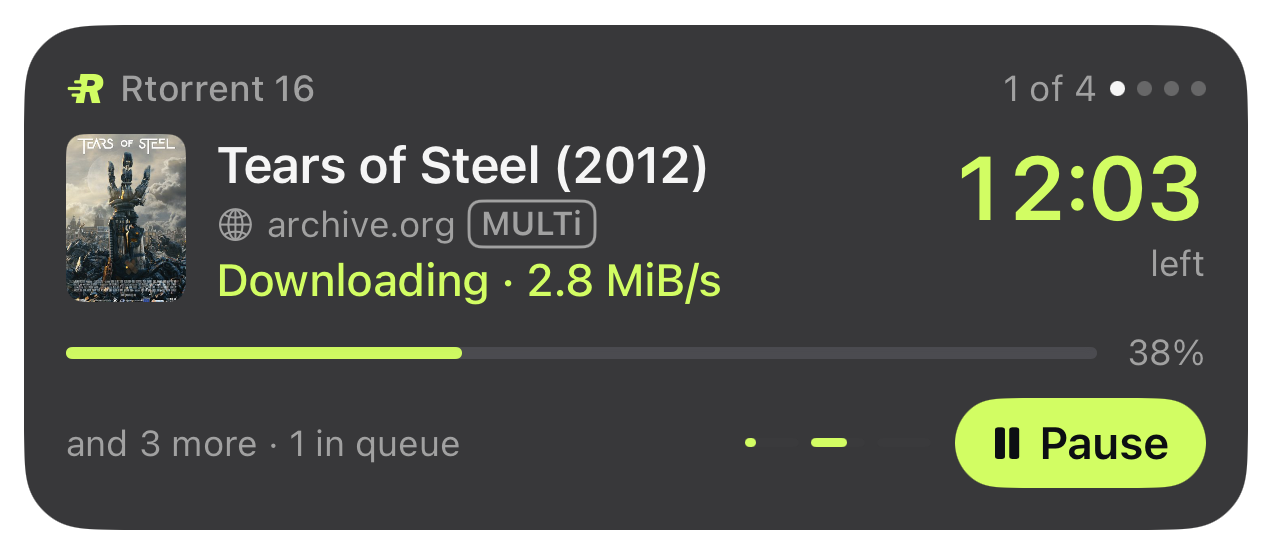
Rtorrent 16 Mobile 1.3.1 shows the downloads of your NAS on the lock screen: one live tile with the progress, the time left and Pause or Resume.
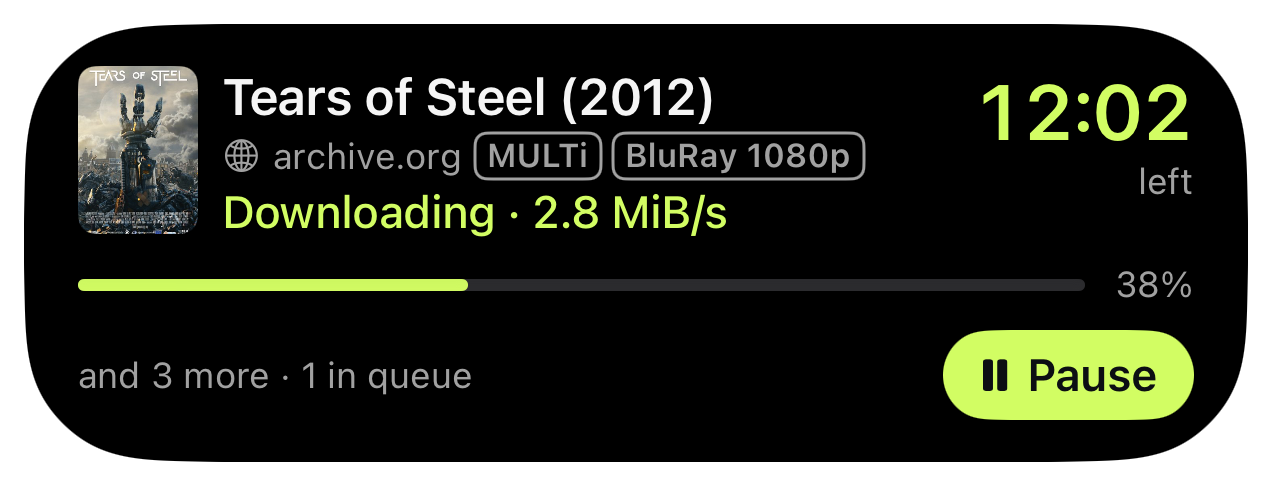
- The tile shows the download on top: its title, the tracker, the speed, a bar and the time left. Below it: how many more are downloading and how many wait in the queue.
- On an iPhone the tile is on the lock screen and in the Dynamic Island (iOS 16.2 or newer; Pause and Resume from iOS 17).
- On Android 16 it is a Live Update. On Android 8 to 15 it is a notification with a bar and a countdown.
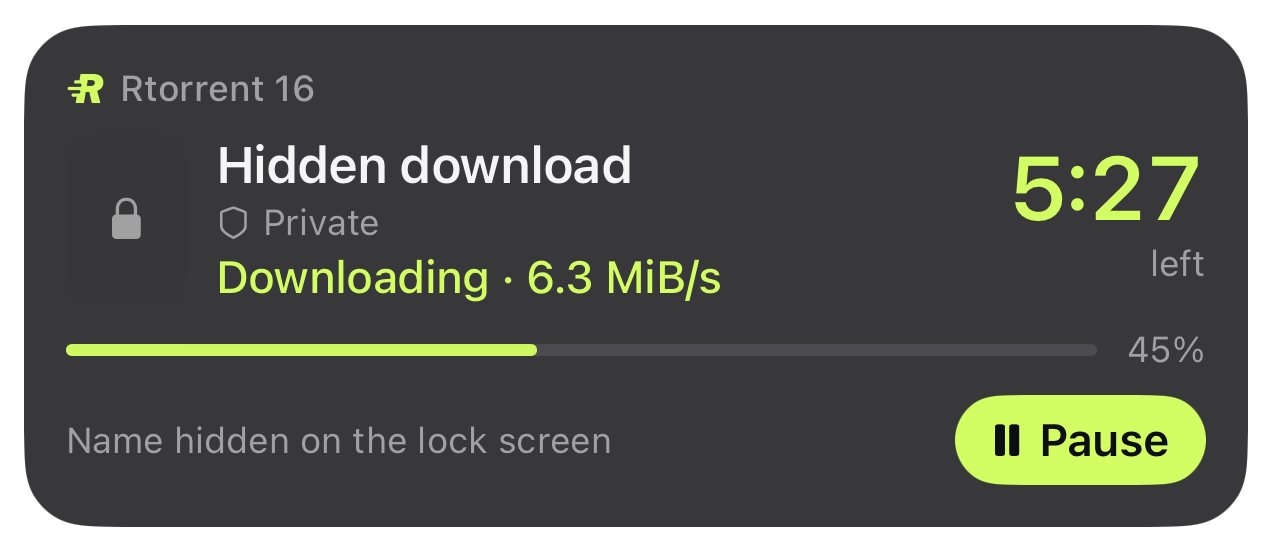
- By default, names from private trackers stay hidden on the lock screen.
- The app asks once before it shows the tile. The switch per phone is in the panel, on the Phone app page.
It needs Rtorrent 16 16.28-14Q or newer on the NAS and the app 1.3.1. Android: F-Droid and the APK on the app's page. iPhone: in the App Store after Apple's review.
The pictures are the app's own views of the tile, drawn in the iOS simulator; the black Dynamic Island shapes are drawn around them. They are not screenshots of an iPhone. The titles and posters come from the app's legal demo catalogue.
Posters: Tears of Steel and Sintel, CC BY 3.0, Blender Foundation.