
![Rtorrent 15 [x86_64]](/data/resource_icons/0/284.jpg?1752069466)
Since there are many 0.16 issues, we reverted back to 0.15.7 which has DHT fixed.

- Improved performance
- DHT client fix
- HTTP connections are now thread-safe
- Properly connects to both IPv4/IPv6 peers
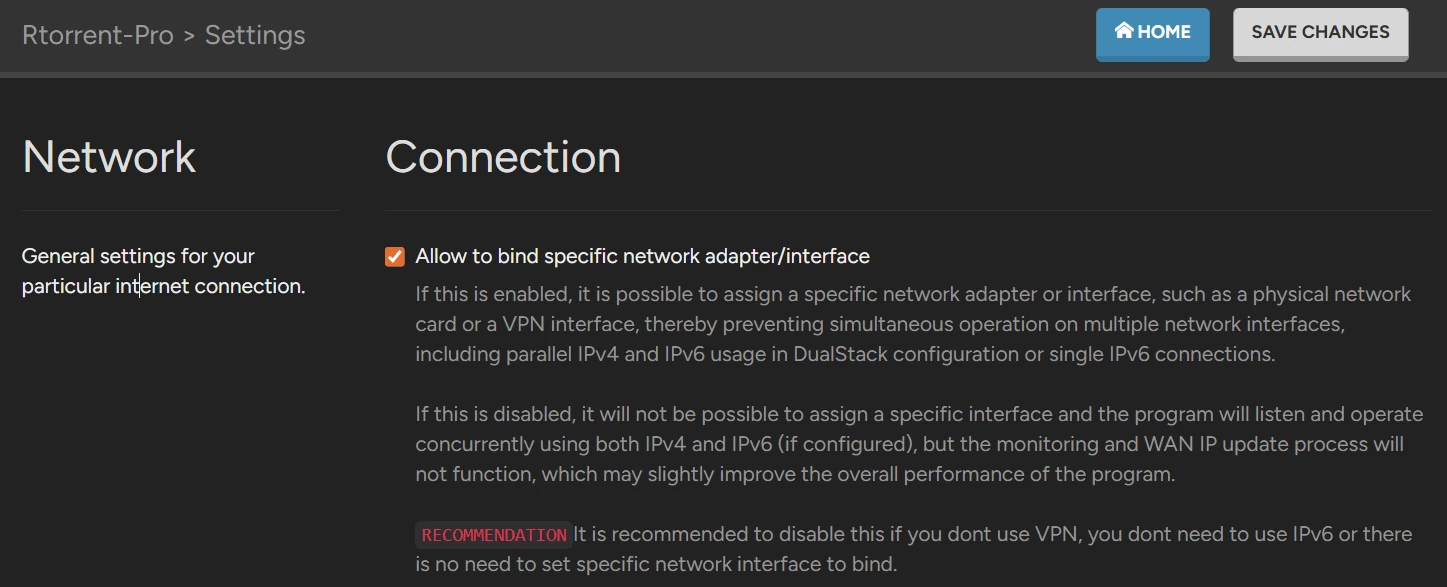
(make sure to disable: Allow to bind specific network adapter/interface)
- WARNING FOR VPN USERS:
Before updating to this version make sure your torrents are stopped. After this go to Rtorrent settings and switchon:
"Allow to bind specific network adapter/interface" - otherwise you will connect without VPN profile
Update to 0.15.6
Not introduced function yet, but:
will disable IP watchdog which is needed only IF using bind IP interfaces feature:Bash:setcfg -f /etc/config/qpkg.conf rtorrent ip_watchdog FALSE
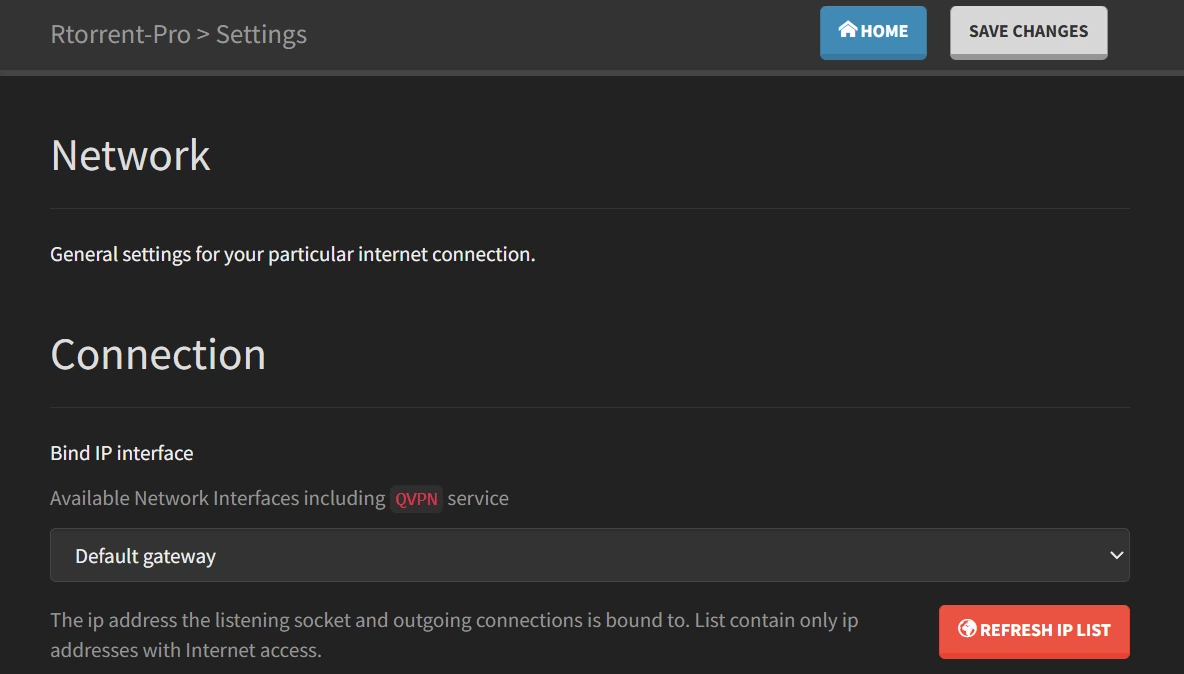
If not than in future release would be possible to switch this off, to little improve performance of rtorrent
- MaterialDesign theme not displaying folder/file icons in file browser
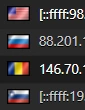
- FIX: MaterialDesign not displaying GeoIP flags in Peers list
Configuration upon now:
- NOTE: Downgrading is not allowed! Make
sessionfolder backup first, perform full uninstall/install is you want downgrade to 0.10.0
- New settings and optimization:

- Added option to check hash for finished torrents (it was force disabled as rtorrent is recommended for private trackers, we assume download content quality is high)
- Added files advide settings
- As always, to APPLY those new settings, go to Rtorrent-Pro settings and hit SAVE CHANGES
Kod:file_allocate = on hash_on_completion = off files_advise_random = off files_advise_random_hashing = on
Recommended today:
Kod:file_allocate = off hash_on_completion = off files_advise_random = on files_advise_random_hashing = off
However you can consider and TEST, then monitor disk activity and download speeds:
Do the same for large torrent but enabling file_allocate = on. Can you hear HDD's more or less? What about download speeds?Kod:file_allocate = off hash_on_completion = on files_advise_random = on files_advise_random_hashing = off #keep it still disabled!
Give us feedback on forum about hash_on_completion... does it hurts your disks? Let us know.
Rtorrent-Pro


NOTE: Before upgrading to version 0.15.4 make sure to do backup of Rdownload/session directory!
Downgrading:
It's not possible to perform downgrade from 0.15.4 to 0.10.0 because of several changes in config files.
In this case you will have to uninstall Rtorrent 0.15.4 and then install 0.10.0 manually.
Dont worry, you will NOT lost your torrent sessions! (you can always revert them from backup)
After install NOTE:
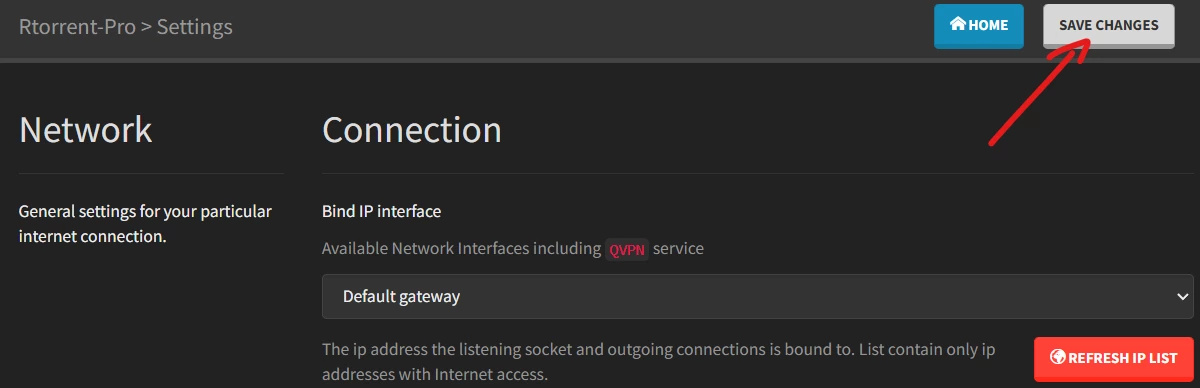
Rtorrent 0.15.4 will increadibly reduce disk I/O operations for seeding torrents. But to apply that settings after upgrade from 0.10.0 you will need to regenerate config files. To do that, please simply click "Save changes" button from config UI:
NOTE 2:
Tracker: [Failure reason "This client is not supported: -lt0F04-"]
Make sure your torrent trackers allow to use Rtorrent 0.15.4, otherwise your torrent will turn red:
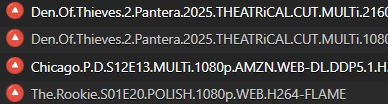
Major changes
- Hash and read chunks should works faster rTorrent reading 4x more data than sending · Issue #443 · rakshasa/rtorrent | Release RTorrent release version 0.15.4 · rakshasa/rtorrent
- Fix: Medialibrary did not use hardlinks if downloaded torrent included :space: character and instead hardlink it was doing copy
- Default rtorrent version is now: 0.10.0
NOTE:
Before an update please backup /share/Rdownload/session folder if you would like to revert back to previous version if something will get wrong - but should not! Please report on the forum.
- You can still switch betwen rtorrent engine versions from ssh
Bash:/usr/bin/rtorrent/bin/pkg/patch.sh 0.9.x # official 0.9.8 version with multiple patches [Stable] /usr/bin/rtorrent/bin/pkg/patch.sh 0.10.0 # stable /usr/bin/rtorrent/bin/pkg/patch.sh 0.15.1 # unstable /usr/bin/rtorrent/bin/pkg/patch.sh 0.15.2 # unstable
