Major​

  • Trackers: the private tracker account uses the tracker's new API (v3) before the old one is retired at the end of 30 November. Saved accounts move by themselves.
  • Search: that tracker's results come page by page, with Load more under the list.

Minor​

  • Media library: the Library card's covers start in One row. A device where you chose Grid keeps Grid.

Major​

  • LinkDrop: when a browser finds no direct path to the sender, the link page says what to try within 20 seconds: a different network, like Wi-Fi instead of mobile data, or Rtorrent 16 on a NAS (Files › Download from link…).

Minor​

  • LinkDrop: a browser that opened the link over IPv6 can now connect over IPv6 too.
  • LinkDrop: the agent's log counts the connection checks of a browser connection that failed.

Major​

  • Files: HEIC and HEIF photos (.heic, .heif, .hif, .avif) show in every browser, not only Safari: thumbnails, tiles, folder covers, the picture viewer and quick view. The NAS draws them with libheif. HDR photos are tone-mapped.
  • LinkDrop can be switched off in Settings › Files & storage. Off stops it; links you sent are unavailable until it is on again.

Minor​

  • Files: the picture viewer shows the photo's own size; on a phone a pinch zooms and One to one reads "1:1".
  • Moving Rtorrent 16's own files into a folder that already has files of the same names keeps those with the date added; ruTorrent's settings and the logs stay the ones in use. A folder of yours left empty by the move is removed.
  • Settings: "WebUI ports" and "Mobile ports".

Major​

  • Files: Retro 2, a second retro look in DOS Navigator's grey with the cyan cursor bar. Ctrl+Alt+R switches between off, Retro and Retro 2; the ⋯ menu names both.

Minor​

  • Files: Retro's labels are easier to read.

Major​

  • Files in the Retro look: every part of Files follows it, in the light and the dark theme, the phone's bottom bar, menus and windows included.

Minor​

  • Files lists the NAS's shares as folders, not as links.

Major​

  • Play, NFO and Unpack also work for a torrent that seeds from a folder outside the download folders, anywhere in /share.
  • Unpack checks first that it can write to the folder, and says so plainly when it cannot.

Minor​

  • LinkDrop: when a browser cannot connect, the LinkDrop log says what the connection had to work with.
  • The move window's note for a folder outside the download folders now names only the trash.

Major​

  • The panel opens faster: each page loads on its own, and live numbers refresh only while you can see them.
  • The Dashboard no longer grows in memory while it stays open.
  • Nothing jumps while a page loads: the update banner and the cards keep their place.

Minor​

  • Files on a phone scrolls more smoothly.
  • The Dashboard's log keeps your place while new lines arrive.
  • The README and NFO window looks right when the panel opens through the QNAP address (/rtorrent16/).
  • A panel left open during an update reloads itself.
  • A torrent outside the download folders shows no Play or NFO button. Play does not work there. A new category moves the torrent in.

Major​

  • LinkDrop needs no port forwarded on the router and has no port setting. The share window says in one line how downloads connect.
  • LinkDrop between two NASes also works when one of them is behind a VPN or a mobile network that gives every connection a port of its own.
  • A LinkDrop download in a browser carries on after a dropped connection, and the screen stays on while it runs.
  • Safari and Firefox write a large LinkDrop download to the browser's own storage instead of memory.
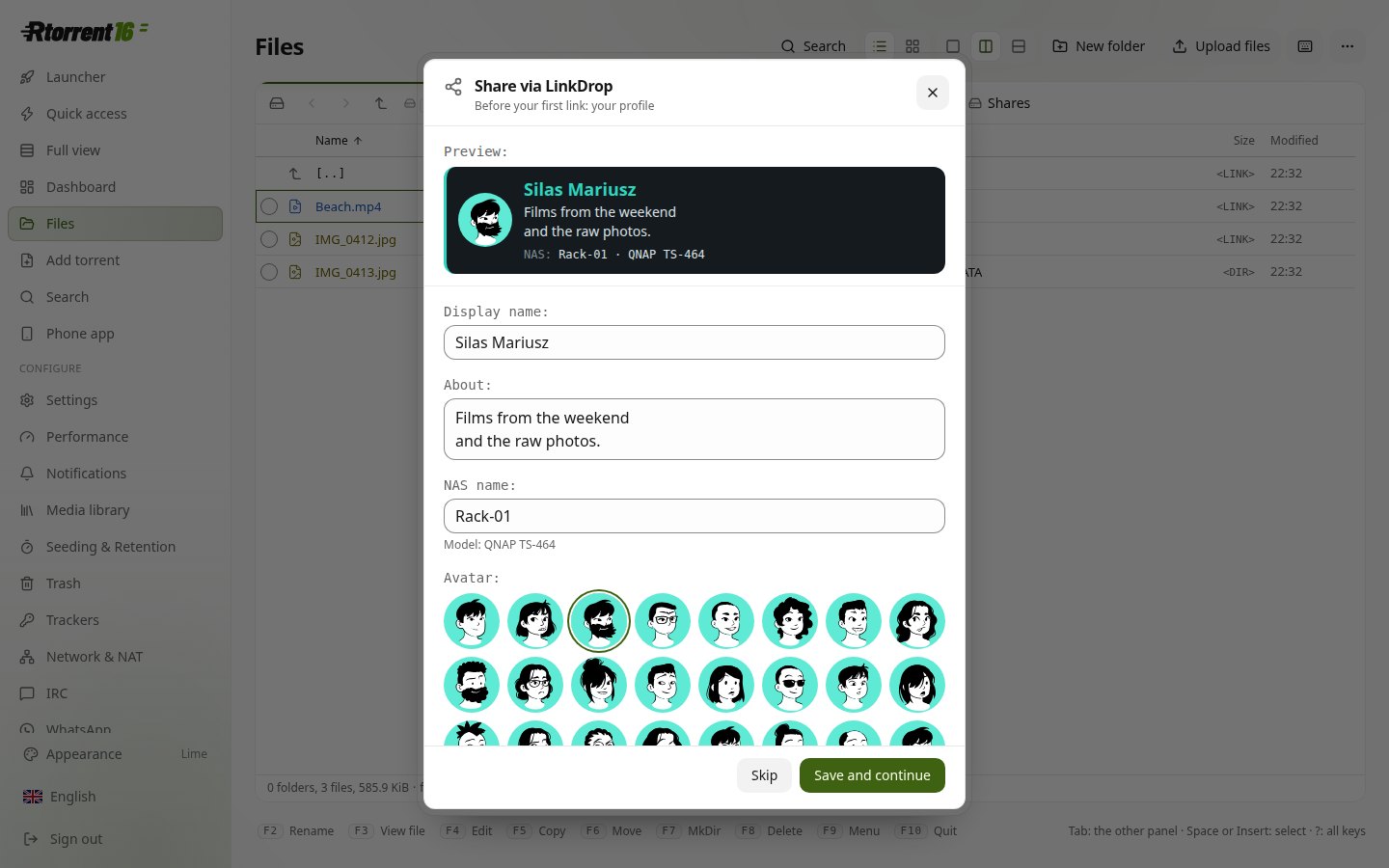
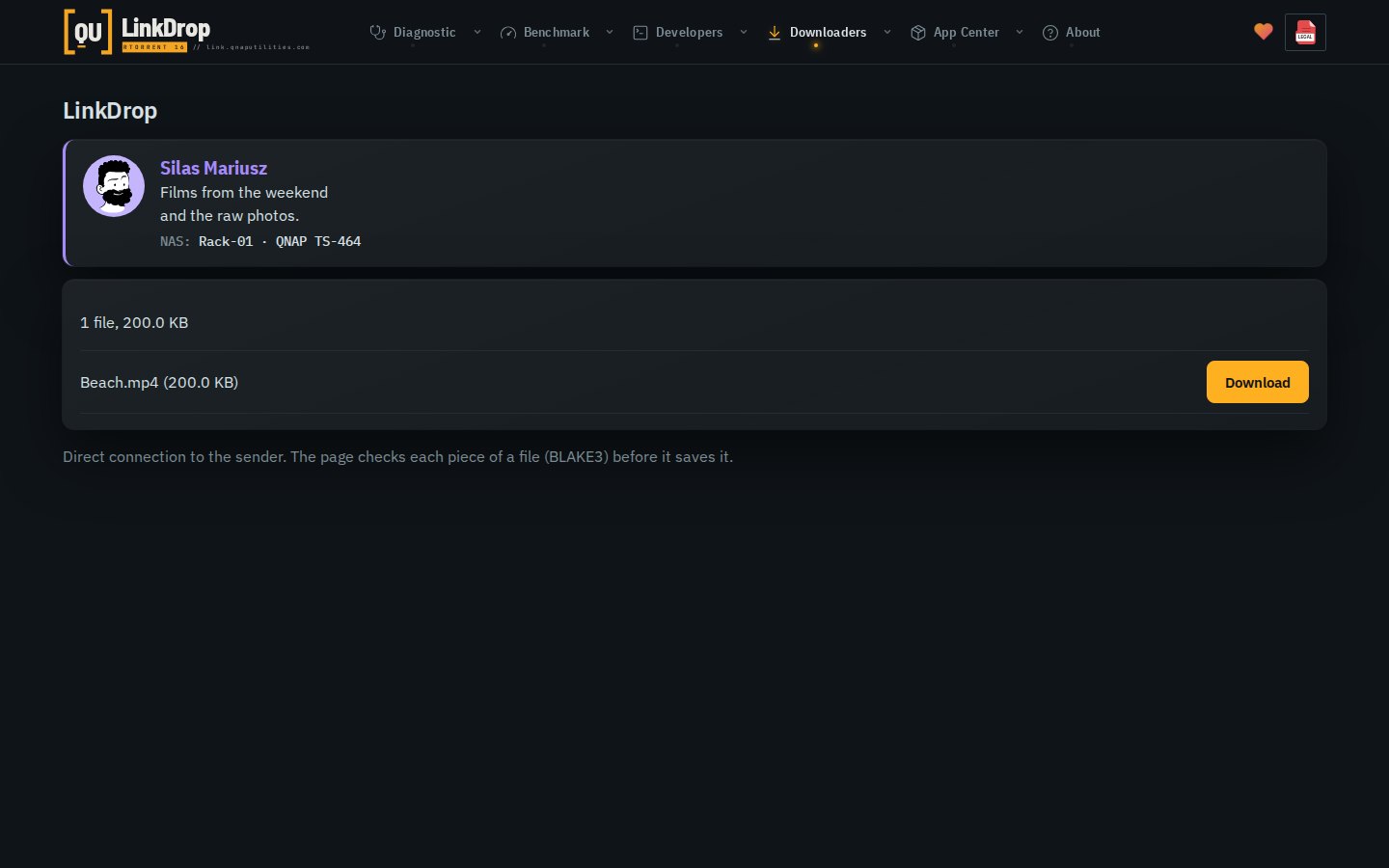
  • LinkDrop profile: your name, a few words, the NAS's name and an avatar on the link's page.
  • Files on a phone: no zoom while typing, and every window fits inside the screen, also with the keyboard open.

Minor​

  • Convert in Files makes music as MP3 320 kbit/s or FLAC, and says why it skips a file.
  • Media library's History shows the last five entries, the rest in a window with search.
  • Movie Agent tells Radarr 4K and Sonarr 4K apart from Radarr and Sonarr, by the torrent's label or the 4K folder it was filed in.
  • LinkDrop finds its public address through three servers at once, so one server down no longer stops it.

LinkDrop profile: name, a few words, NAS name and avatar

The link's page with the sender's profile

Major​

  • LinkDrop: share a file or a folder from Files and send the link. The files go straight from one NAS to the other, never through a server.
  • LinkDrop works between NASes behind routers that forward no ports, and behind a carrier's NAT.
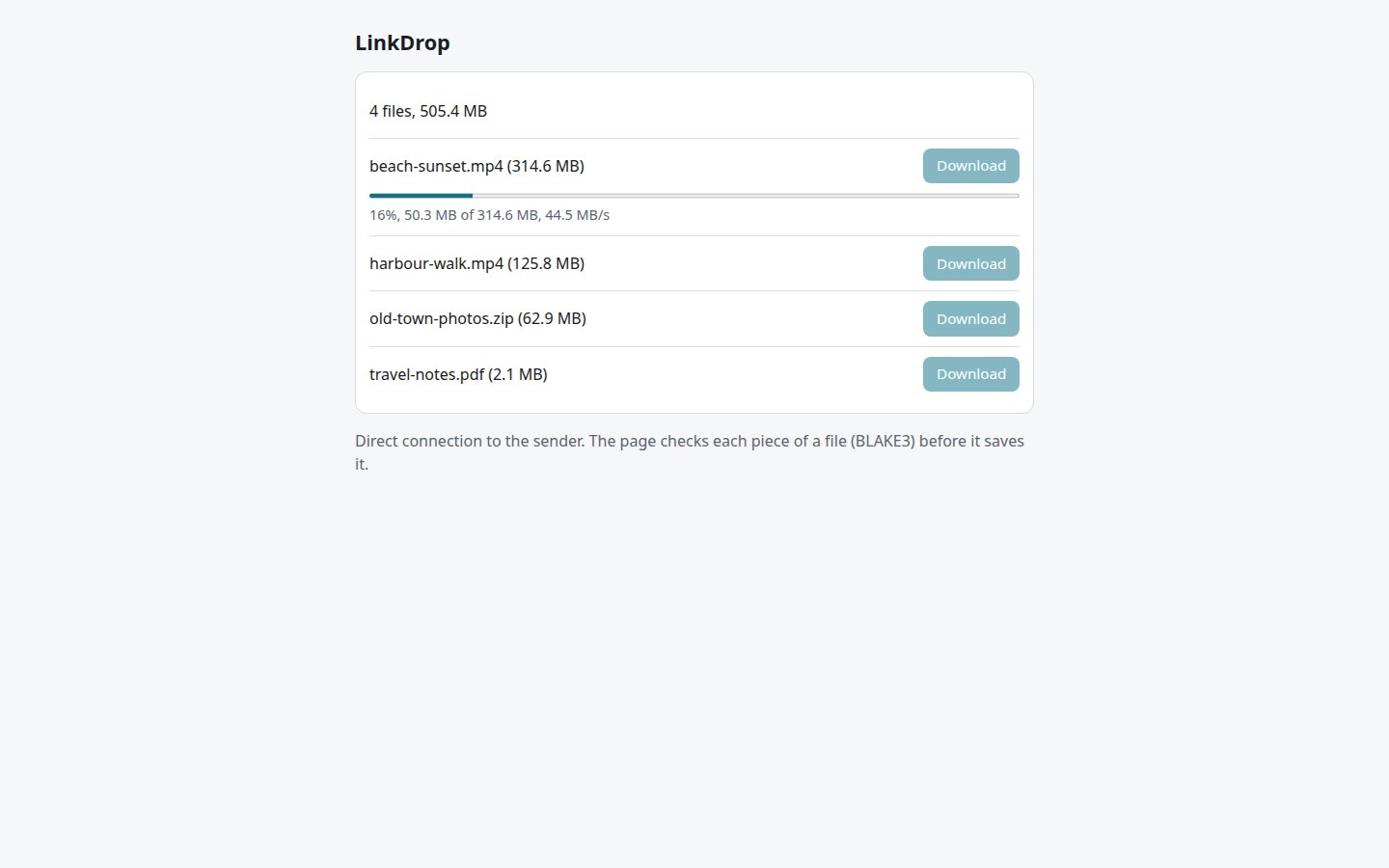
  • A LinkDrop link opens in any browser: the file comes straight from the sender's NAS, every piece checked.
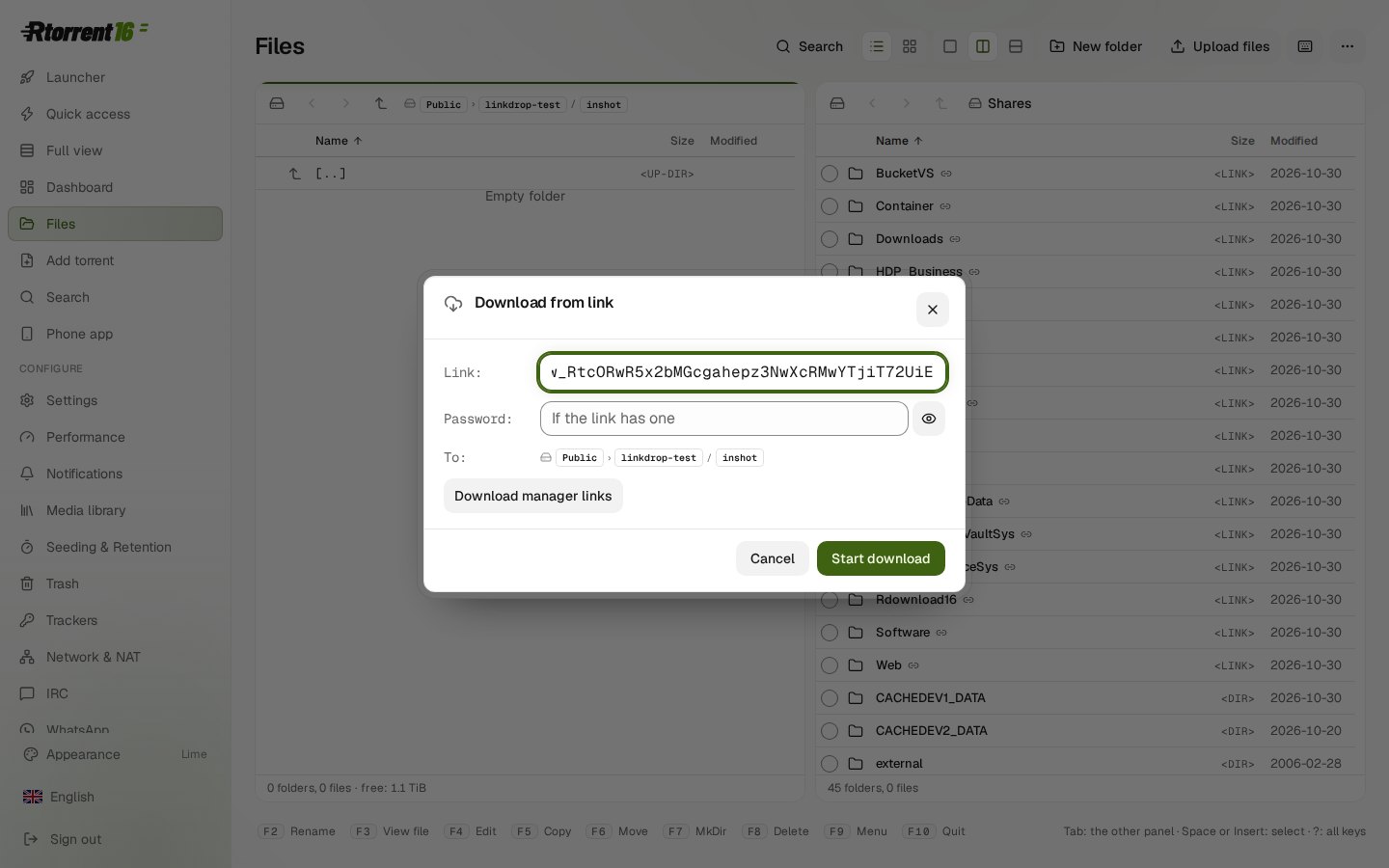
  • Files: Download from link…, with up to 16 connections, Stop and resume, even days later.
  • Files: Copy to…, Move to… and Create link… share one window with a preview. Copy with hard links is new.
  • Files on a phone: a selection mode, rename in place, folder sizes counted in the background.
  • A tracker hears "completed" once and at once, also after a check, a stop and start or a Re-announce.
  • Seed and upload download what is missing, then seed quietly.

Minor​

  • A port forwarded by hand on the router is checked from outside and no longer warned about. A warning names the ports to forward.
  • LinkDrop links for a download manager on your own network (aria2, JDownloader, IDM).
  • Shared links: expiry, opens, Revoke link. A link can expire after 1, 7 or 30 days and can have a password.
  • Files: Re-identify one title in Movie Agent's library.
  • Files: dates as YYYY-MM-DD, Delete permanently, a menu with an icon row and groups.
  • The tab order is Start, Quick access, Dashboard, Files. The phone's Files bar has Add torrents.
  • Phone start pages show the Rtorrent 16 icon.
  • The Dashboard lists the LinkDrop agent under Services.

Files: Download from link

LinkDrop in a browser: files come straight from the sender's NAS
Released 2026-10-31.

Major​

  • Files: Compare folders (Shift+F2).
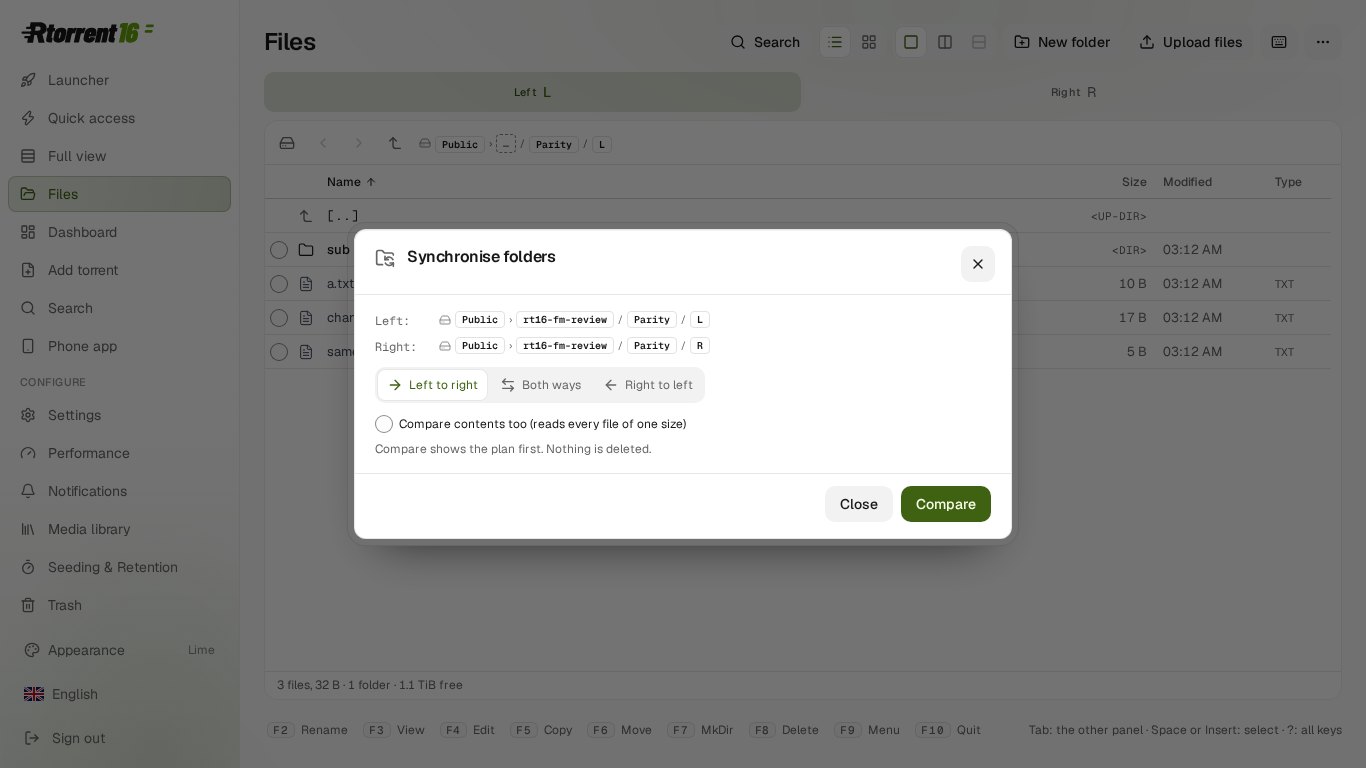
  • Files: Synchronise folders, with a plan first. Nothing is deleted.
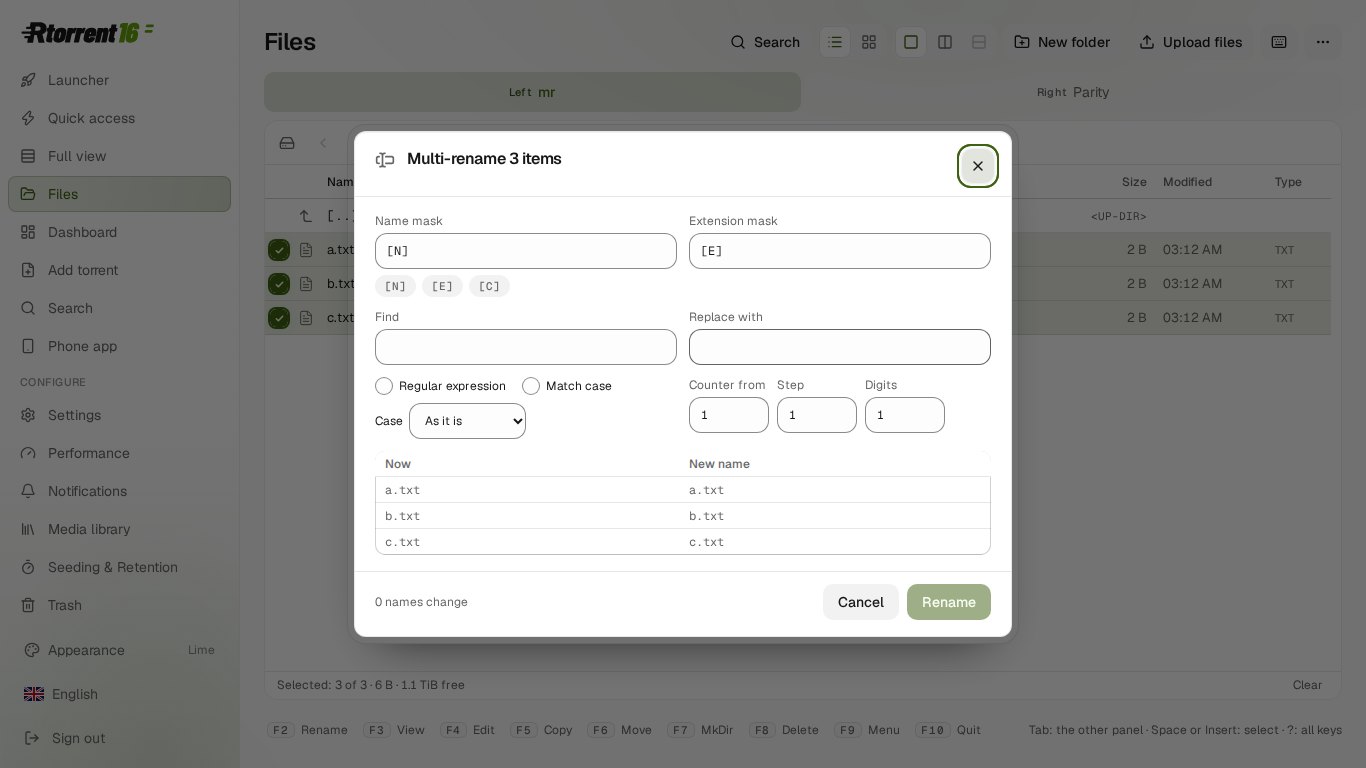
  • Files: Multi-rename (Ctrl+M) with a preview.
  • Files: Search in files (Alt+Shift+F7).
  • Files: two files side by side with the changes marked (F3 with two files picked).
  • Convert keeps 10-bit and HDR in H.265 and VP9.
  • Convert: H.264 SDR from an HDR film, for a screen without HDR.

Minor​

  • Files: Quick view (Alt+Q).
  • Files: tabs (Alt+N, Alt+W), a hotlist (Ctrl+D) and a folder history (Alt+F12).
  • Files: Split and Join, with a .crc or .sfv file.
  • Files: Permissions sets the mode, owner and group.
  • Files: type to filter the list. Num+, Num− and Num* select by pattern and invert.
  • The text editor opens and saves ISO-8859-2, Windows-1251 and KOI8-R files.
  • A 10-bit film without HDR converts to H.264 at 8 bits.
  • Refusals that name a whole share or a system folder are in the panel's language.

Files: Synchronise folders

Files: Multi-rename with a preview