Podążaj za instrukcjami w poniższym filmie, aby zobaczyć, jak zainstalować naszą stronę jako aplikację internetową na ekranie głównym swojego urządzenia.
Informacja: Ta funkcja może nie być dostępna w niektórych przeglądarkach.
Używasz przestarzałej przeglądarki. Może ona nie wyświetlać poprawnie tej lub innych stron internetowych. Powinieneś zaktualizować swoją przeglądarkę lub użyć alternatywnej przeglądarki.
Files › Subtitles…: OpenSubtitles.com works now (16.27-10Y shipped without its key). The package has two keys and uses them in turn; when OpenSubtitles makes one key wait or refuses it, Files asks with the other.
Files › Subtitles…: when the day's OpenSubtitles downloads are used up, the window says so and gives the UTC time when more are allowed.
Minor
Phone app: the panel offers the Android app 1.2.4. It has newer AndroidX libraries and works as 1.2.3 did.
Downloads: a downloading torrent closes the peers that keep it waiting (after 5 minutes, or 90 seconds once the download has almost stopped), so it can find peers that send. Thanks to NA9D for the report and screenshots. The same change is offered to libtorrent: rakshasa/libtorrent#1041.
Media library: History is now Scrapers History, one list of what Movie Agent, FileBot and Game Agent did, with small Re-identify, Edit name, Re-run and Undo buttons.
Minor
Files › Subtitles…: NapiProjekt is asked at most once every 11 seconds, and each source gets one line under the results (what it found, nothing found, or why it refused).
Media library: on a phone, a Scrapers History row takes three short lines.
Trackers: the private tracker account uses the tracker's new API (v3) before the old one is retired at the end of 30 November. Saved accounts move by themselves.
Search: that tracker's results come page by page, with Load more under the list.
Minor
Media library: the Library card's covers start in One row. A device where you chose Grid keeps Grid.
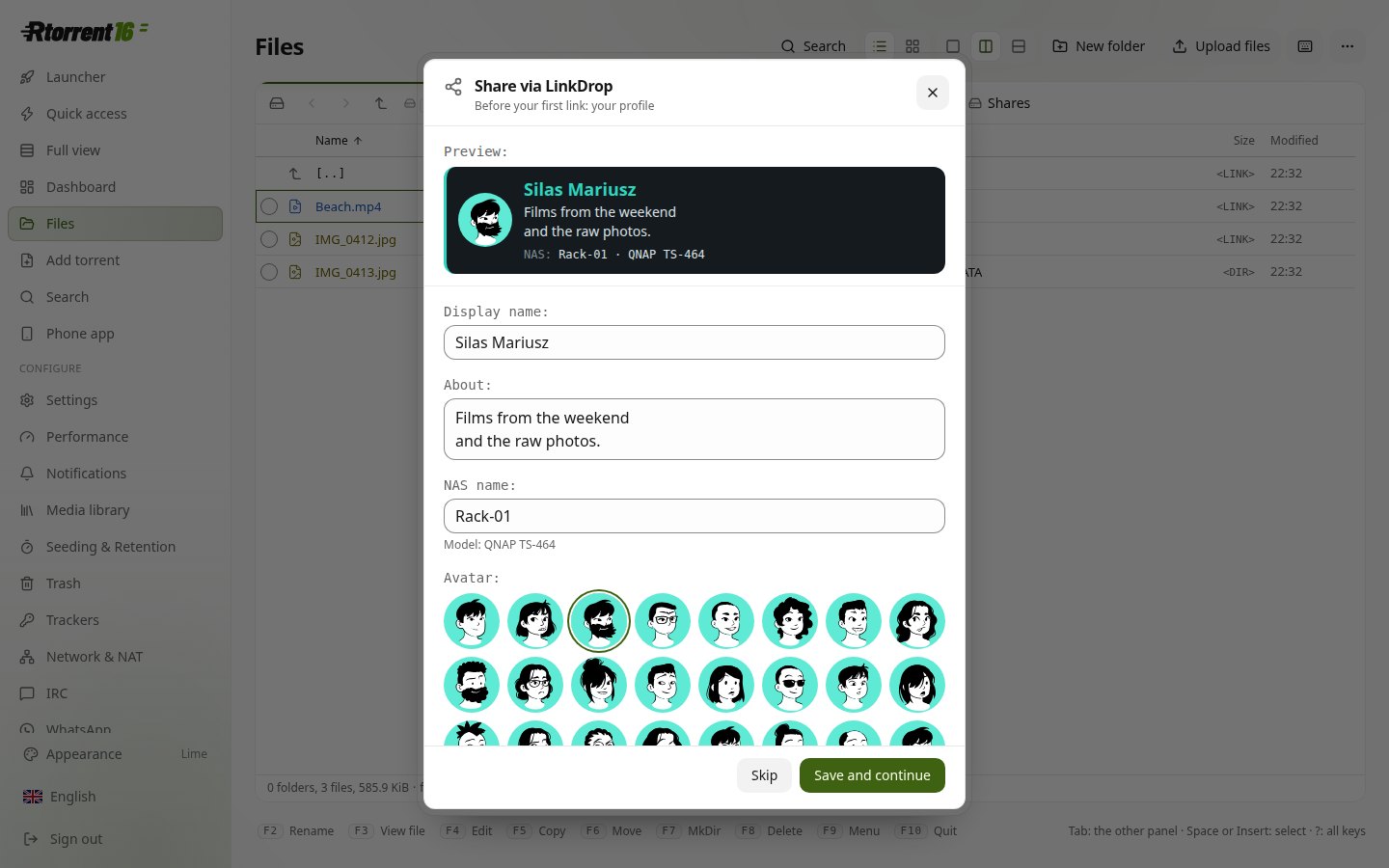
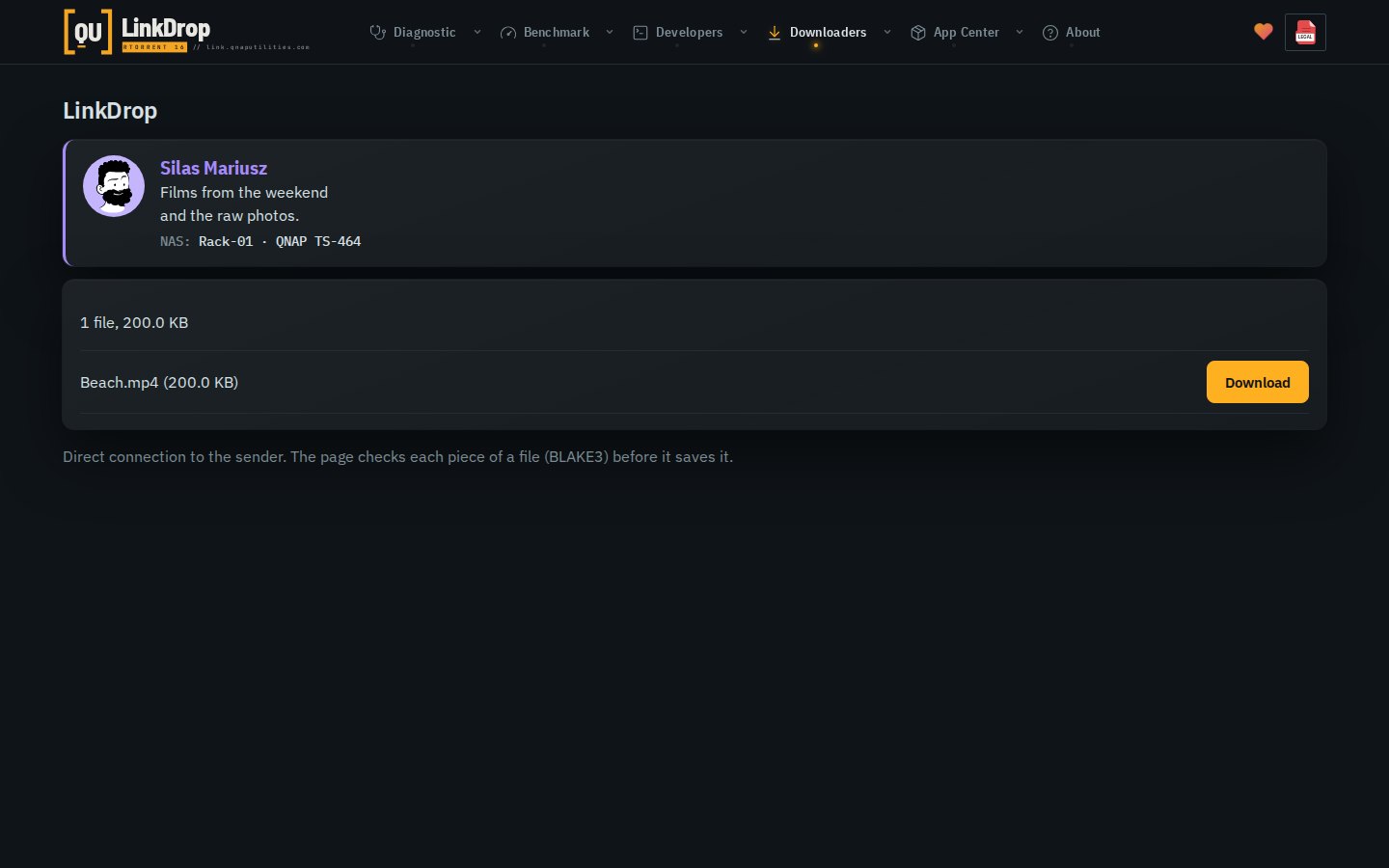
LinkDrop: when a browser finds no direct path to the sender, the link page says what to try within 20 seconds: a different network, like Wi-Fi instead of mobile data, or Rtorrent 16 on a NAS (Files › Download from link…).
Minor
LinkDrop: a browser that opened the link over IPv6 can now connect over IPv6 too.
LinkDrop: the agent's log counts the connection checks of a browser connection that failed.
Files: HEIC and HEIF photos (.heic, .heif, .hif, .avif) show in every browser, not only Safari: thumbnails, tiles, folder covers, the picture viewer and quick view. The NAS draws them with libheif. HDR photos are tone-mapped.
LinkDrop can be switched off in Settings › Files & storage. Off stops it; links you sent are unavailable until it is on again.
Minor
Files: the picture viewer shows the photo's own size; on a phone a pinch zooms and One to one reads "1:1".
Moving Rtorrent 16's own files into a folder that already has files of the same names keeps those with the date added; ruTorrent's settings and the logs stay the ones in use. A folder of yours left empty by the move is removed.
Files: Retro 2, a second retro look in DOS Navigator's grey with the cyan cursor bar. Ctrl+Alt+R switches between off, Retro and Retro 2; the ⋯ menu names both.